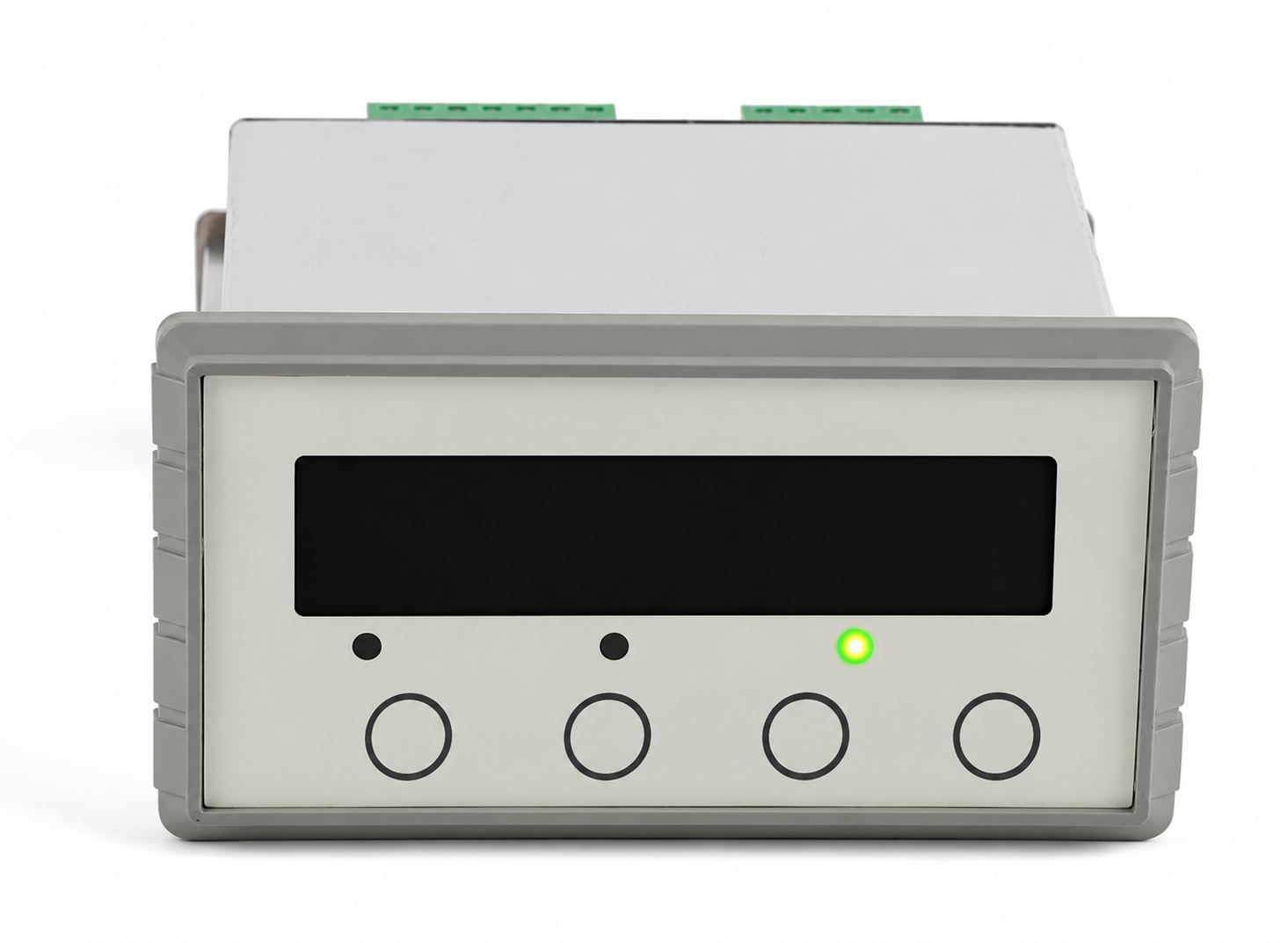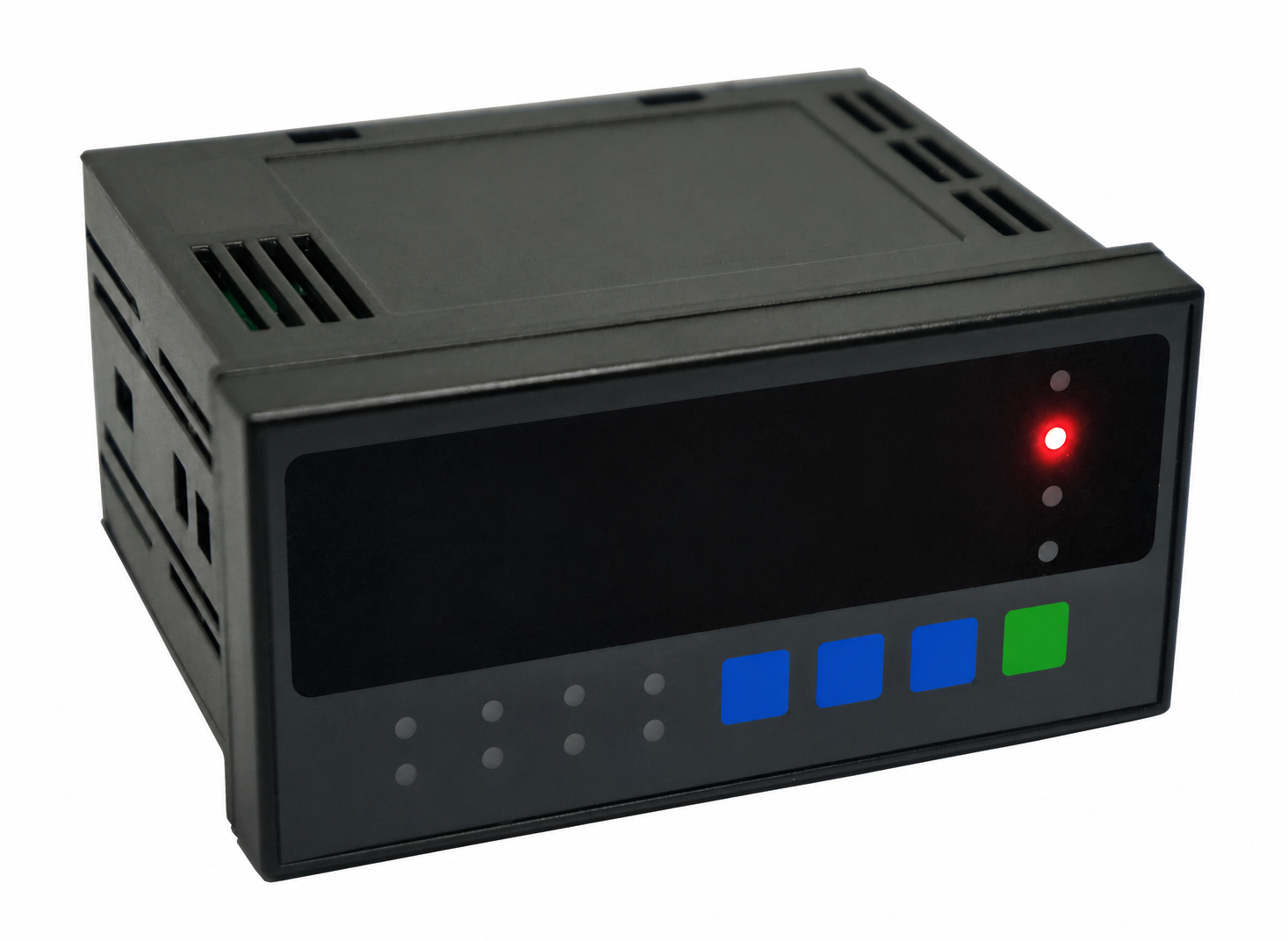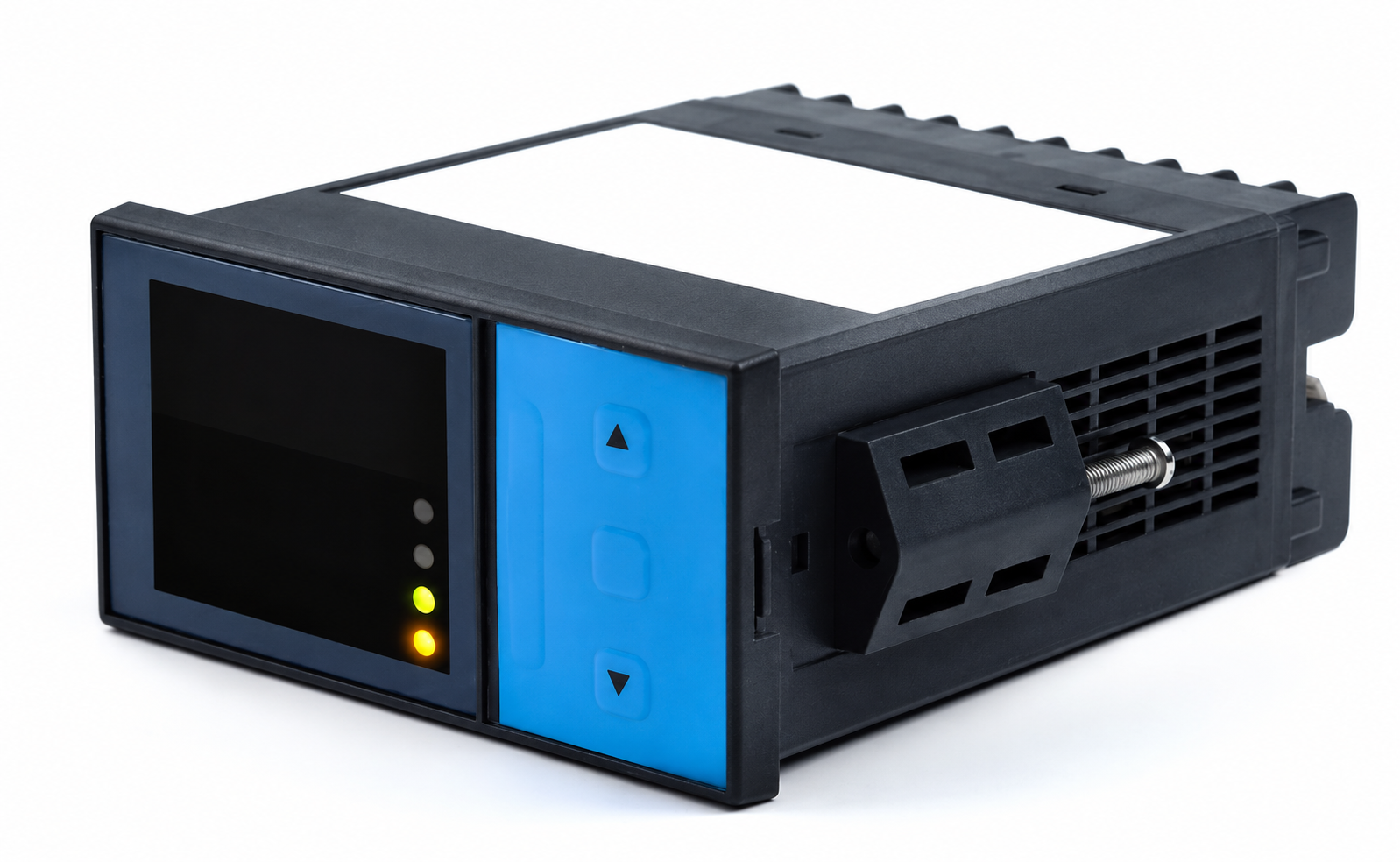
Force / weight indication
For a local reading with zero, tare and selected engineering units.
Specify: Input range, excitation, digits, stable reading and access to tare/reset.
Review this panel configuration ↗SIGNAL INTERFACES / MT-AMP-PNL
Engineering review · 31 October 2026
Specify a load cell panel meter around the complete job: readable force or weight, the right peak and alarm behavior, and a signal your PLC can use. Send the existing meter and sensor details for an MT-AMP-PNL configuration review.
Configuration, functions and availability are confirmed in the written quotation. Reference photos illustrate enclosure options.
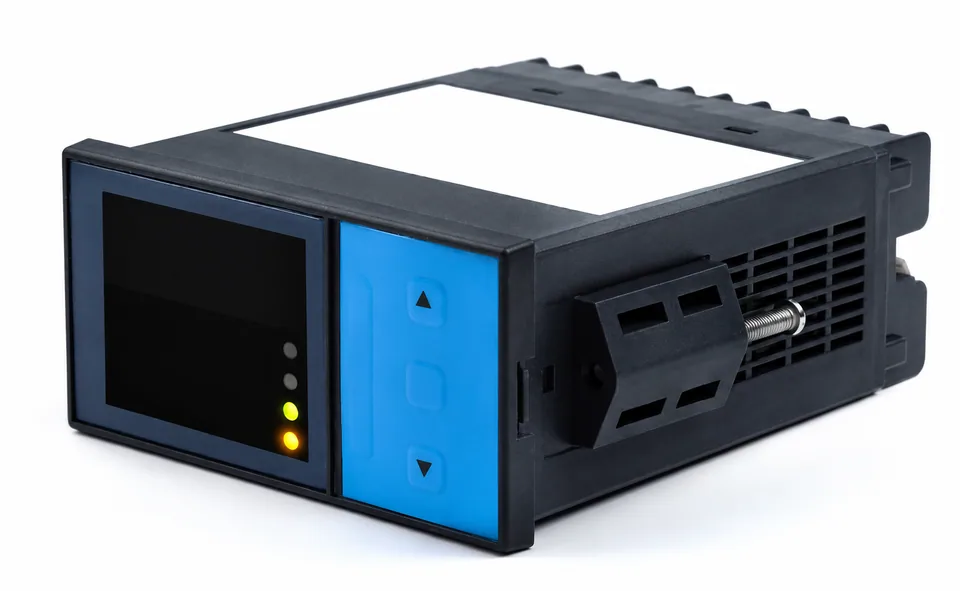
CHOOSE THE PANEL'S JOB
For a local reading with zero, tare and selected engineering units.
Specify: Input range, excitation, digits, stable reading and access to tare/reset.
Review this panel configuration ↗For press cycles, threshold indication or a defined process alarm.
Specify: Event duration, peak/valley method, reset, hysteresis, delay and output behavior.
Review this panel configuration ↗For local visibility while the controller receives a scaled signal.
Specify: Voltage/current range, load, gross/net source, filtering, isolation and update delay.
Review this panel configuration ↗EXISTING METER / ORIGINAL OPTION CARDS
Start with the full original part number, installed option cards and a configuration backup. A familiar bezel does not establish the same input, supply, relay contacts or communication commands.
Red Lion’s 3 January 2025 end-of-life notice lists PAXS0010 as the migration from dual-line PAX2S000, with a single-line display. Check whether operators need two simultaneous values and identify every output/communication card.
Read the original manufacturer document ↗Prepare this reference for RFQ ↗Keep bridge-input and amplified-input use cases separate. Record sensor profiles, peak/reset behavior, logging and external interfaces. Its original guide specifies capture and display timing separately; retain the functions your test needs.
Read the original manufacturer document ↗Prepare this reference for RFQ ↗Check the excitation setting, input range, dual-scale display, relay configuration and optional 4–20mA or serial interface. The manufacturer’s installation drawing is an example of the mechanical evidence needed for a retrofit.
Read the original manufacturer document ↗Prepare this reference for RFQ ↗These are original-equipment references, not an interchangeability list. No original maker endorsement, software compatibility or released MT-AMP-PNL specification is implied.
INPUT → INDICATION → OUTPUTS
A raw strain gauge load cell needs excitation and a compatible differential input. An amplified 0–10V or 4–20mA sensor needs the corresponding process input. Record which signal the existing display actually receives.
For multiple bridges, a passive summing box provides one total. Independent corner values need separate acquisition channels. Excitation current must cover the connected input bridge load.
Output options and timing require confirmation for the exact proposed variant.
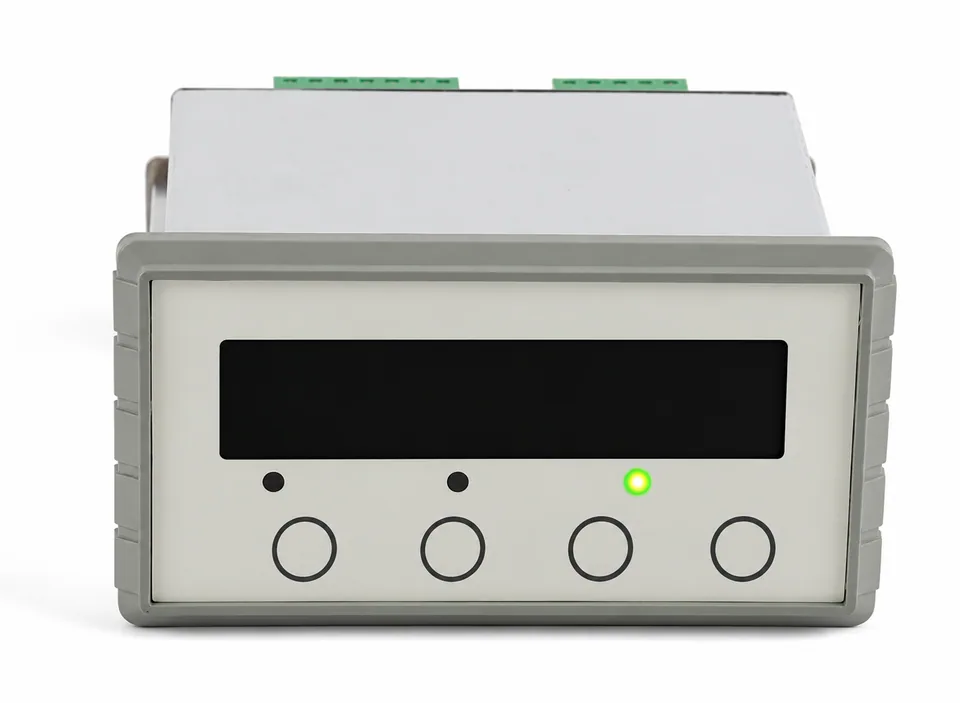
OPENING / DEPTH / SUPPLY
Measure the actual panel opening, corner radii, thickness and clearance behind the panel. Include terminal access, cable bend space, mounting clips and the front gasket arrangement.
For example, the original Interface 9890 manual specifies a 92 × 45 mm opening and separate rear clearance requirements. This is an original-model example, not the dimensions of an MT-AMP-PNL offering. Compare both dimensioned drawings before cutting or ordering an adapter plate. See the 9890 installation drawing ↗
FOUR TIMING SPECIFICATIONS
| Measurement path | What the acceptance test must establish |
|---|---|
| Input and filtering | Signal bandwidth, samples/s, filter delay, settling and usable noise at the proposed setting. |
| Display and peak memory | Refresh rate, peak/valley algorithm, event duration, trigger, hold and reset. A slow screen may still show a captured peak, but this needs verification. |
| Alarm output | Threshold crossing to output response, hysteresis, on/off delays, latching and reset under the agreed input waveform. |
| PLC retransmission | Output update and settling, analog load or communication cycle, scaling source, and behavior during tare, overload or sensor fault. |
FUTEK’s original IPM650 guide lists per-sample capture and a separate five-times-per-second display update, with additional output bandwidth conditions. The engineering lesson is to specify each path, then test the intended combination. These are not MT-AMP-PNL ratings. Read the original timing conditions ↗
NOMINAL SCALING EXAMPLE / NOT TEST DATA
Hypothetical setup: one 10 kN bridge, 2.0 mV/V sensitivity and 5 V excitation. The nominal full-scale bridge signal is 2.0 × 5 = 10 mV. If zero load maps to 4 mA and 10 kN maps to 20 mA, the ideal midpoint is 12 mA at 5 kN.
| Force | Bridge | PLC signal |
|---|---|---|
| 0 kN | 0 mV | 4 mA |
| 5 kN | 5 mV | 12 mA |
| 10 kN | 10 mV | 20 mA |
Real zero balance, dead load, tare, calibration coefficients, overrange and receiver loading change the system review. This example proves arithmetic only. Agree whether retransmission follows gross, net, peak or another source; do not assume it follows the currently displayed value.
Need a PLC output without a local display? Review analog conditioners ↗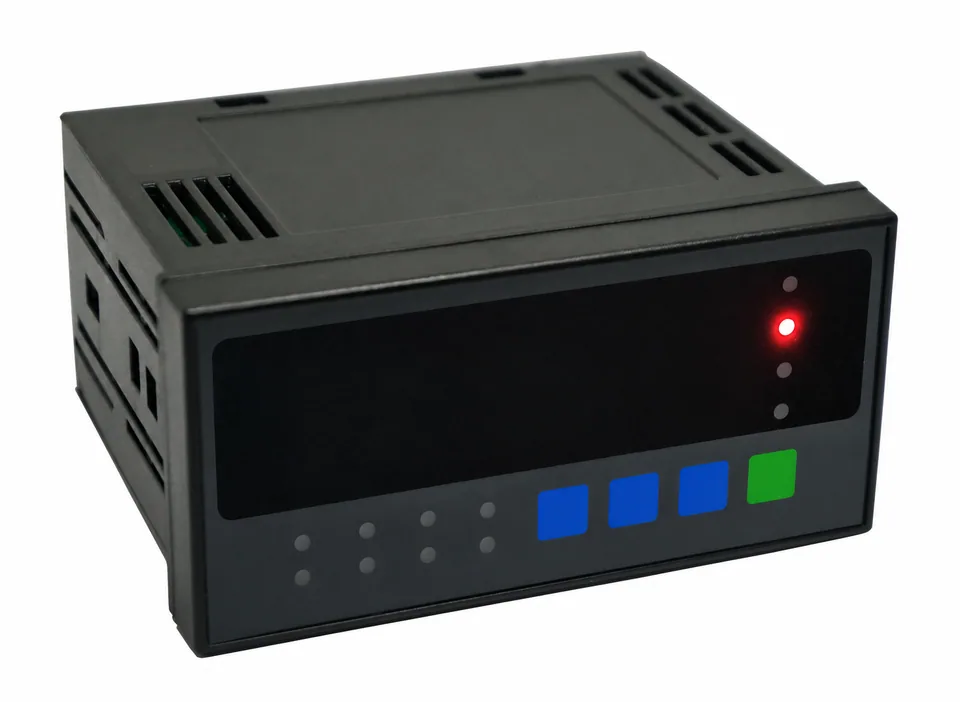
A readable zero does not establish the analog output or alarm state. Include both in the sample test and save the accepted settings.
SETPOINT / CONTACT / RESET CONTRACT
Specify high, low or window behavior, units and gross/net/peak source. Include hysteresis and any intentional delay.
Identify mechanical relay, solid-state output or transistor, plus load voltage/current and switching duty. Provide the receiving circuit for rating and protection review.
Choose automatic or latched behavior; define keypad or external reset, tare permissions and configuration access.
Agree the indicated value and output state for loss of power, open sensor, overrange and restart. A process alarm does not establish a safety-rated protective function.
Include the original sensor datasheet and panel/terminal drawing. Only [email protected] receives your inquiry.
SAMPLE RELEASE CHECKPOINTS
A planning worksheet, not a released panel-meter datasheet or calibration certificate.
Use the RFQ below for panel and I/O requirements, then attach the original datasheet and drawing. Unknown dimensions or functions can stay marked for review; the quotation should resolve them.
Send My Panel Requirements ↗Reviewed 31 October 2026. These documents describe their own products. Recheck the exact manual revision and installed options; they do not validate an MT-AMP-PNL substitute.
Manufacturer notice, 3 January 2025, page 1; publicly hosted by Digi-Key. PAX2S000 is mapped to single-line PAXS0010.
Manufacturer manual: model-specific bridge input, scaling and optional alarm, communication and analog cards.
Printed page 21 separates capture, display and output timing; pages 14–15 cover alarm and relay configuration.
Printed pages 9–10 cover panel mounting and excitation; later sections cover scaling, relay behavior and retransmission.
BRIDGE COMPATIBILITY
Match terminals by function and the sensor datasheet. Wire colors and connector pinouts vary by manufacturer.
A 6-wire connection measures excitation at the bridge through separate sense leads. A 4-wire sensor uses excitation and signal pairs; follow the amplifier manual for local sense links.
Dashed sense lines: 6-wire option. On a 6-wire sensor feeding a 4-wire input, the sensor manual may require sense-to-excitation links of matching polarity. Never infer pin numbers or wire colors. Shield termination follows the installation and EMC plan, not a universal signal-ground jumper.
Connect E+/E− and S+/S− by function. Where the amplifier manual requires local sense links, link SEN+ to E+ and SEN− to E− at its designated terminals.
Run separate SEN+/SEN− feedback conductors to the matching sense terminals. Retain separate excitation and signal pairs; use the model-specific instructions for any local links.
Functional diagrams only. Confirm excitation (including a requested 5V/10V option), maximum bridge current, shield termination and actual pin assignments before energizing a system. Review the connector and pinout ↗
BEFORE THE PANEL IS REWIRED
A raw bridge needs a meter with a suitable differential mV/V input and excitation supply. A process-only 0–10V or 4–20mA display needs a separate conditioner. Check bridge input resistance, permitted excitation, sensitivity, wiring and the exact meter input before connecting them.
No drop-in equivalence is established. Send the full original part number, option-card list, settings and drawings. Red Lion’s January 2025 notice maps PAX2S000 to single-line PAXS0010; a change in display layout or I/O behavior still needs review. An MT-AMP-PNL proposal requires its own written electrical, mechanical and functional assessment.
Four bridges connected through a passive summing box produce one combined signal. They do not become four independently readable channels. For separate corner forces, specify independent inputs, synchronization and display selection, and review a multi-channel digitizer architecture.
No. The analog response, sample timing, filter, peak algorithm and reset behavior all matter. Display refresh, analog retransmission and alarm latency are separate specifications. Agree a representative force-time test before accepting the proposed configuration.
Include both in the RFQ and identify the existing receiver and switched load. Confirm the proposed hardware options, output range and load, isolation boundaries, alarm logic, contact ratings and simultaneous-operation timing. These functions are not assumed for every variant.
Send the sensor datasheet, original meter and option-card references, panel opening and depth drawing, supply, display units, required peak/reset behavior, alarm sequence and PLC input specification. Add quantity, destination and sample acceptance criteria. Use the form to attach up to two PDF, PNG or JPEG reference files, 4 MB each, or email additional documents.
ENGINEERING / RFQ
Share your sensor sensitivity, interface and acquisition speed. We will review the bridge, signal chain and integration requirements before quoting. Attach a sensor datasheet or pinout to the form, or send it with your email.
[email protected]Request a complete measurement chain and 5-point system calibration. Include the sensor capacity, force direction and acceptance criteria.
Planning checklist and blank acceptance record. Model datasheets and test certificates are confirmed with your quotation.