4-wire sensor → sense-capable input
Connect E+/E− and S+/S− by function. Where the amplifier manual requires local sense links, link SEN+ to E+ and SEN− to E− at its designated terminals.
E− ── SEN−
S+ / S− → differential input
INDUSTRIAL SIGNAL CONDITIONING
Start with the sensor you have and the signal your system needs.
Prepare your engineering RFQ ↓
ENGINEERING / RFQ
Share your sensor sensitivity, interface and acquisition speed. We will review the bridge, signal chain and integration requirements before quoting. Attach a sensor datasheet or pinout to the form, or send it with your email.
[email protected]Request a complete measurement chain and 5-point system calibration. Include the sensor capacity, force direction and acceptance criteria.
Planning checklist and blank acceptance record. Model datasheets and test certificates are confirmed with your quotation.
BRIDGE COMPATIBILITY
Match terminals by function and the sensor datasheet. Wire colors and connector pinouts vary by manufacturer.
A 6-wire connection measures excitation at the bridge through separate sense leads. A 4-wire sensor uses excitation and signal pairs; follow the amplifier manual for local sense links.
Dashed sense lines: 6-wire option. On a 6-wire sensor feeding a 4-wire input, the sensor manual may require sense-to-excitation links of matching polarity. Never infer pin numbers or wire colors. Shield termination follows the installation and EMC plan, not a universal signal-ground jumper.
Connect E+/E− and S+/S− by function. Where the amplifier manual requires local sense links, link SEN+ to E+ and SEN− to E− at its designated terminals.
Run separate SEN+/SEN− feedback conductors to the matching sense terminals. Retain separate excitation and signal pairs; use the model-specific instructions for any local links.
Functional diagrams only. Confirm excitation (including a requested 5V/10V option), maximum bridge current, shield termination and actual pin assignments before energizing a system. Review the connector and pinout ↗
SELECT BY RECEIVER AND CHANNEL ARCHITECTURE
Choose the output, then confirm
the bridge and measurement timing.
Know your mV/V, excitation and bridge count? Calculate the signal and excitation burden ↗
5 of 5 families shown
| Model | Input Range (mV/V) | Output Signal | Sampling Rate / Bandwidth | Channels | Enclosure | Reference for Review | Direct Quote |
|---|---|---|---|---|---|---|---|
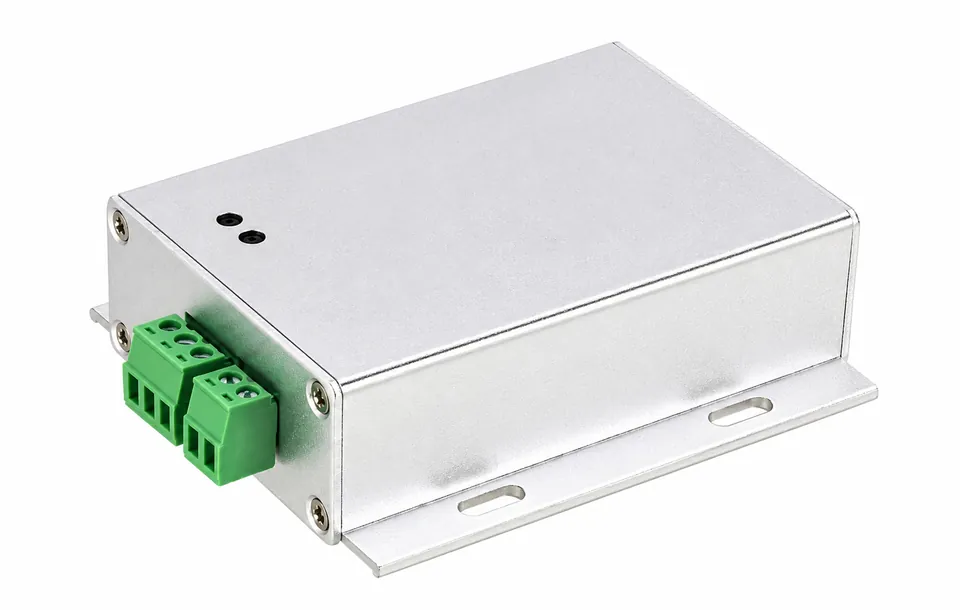
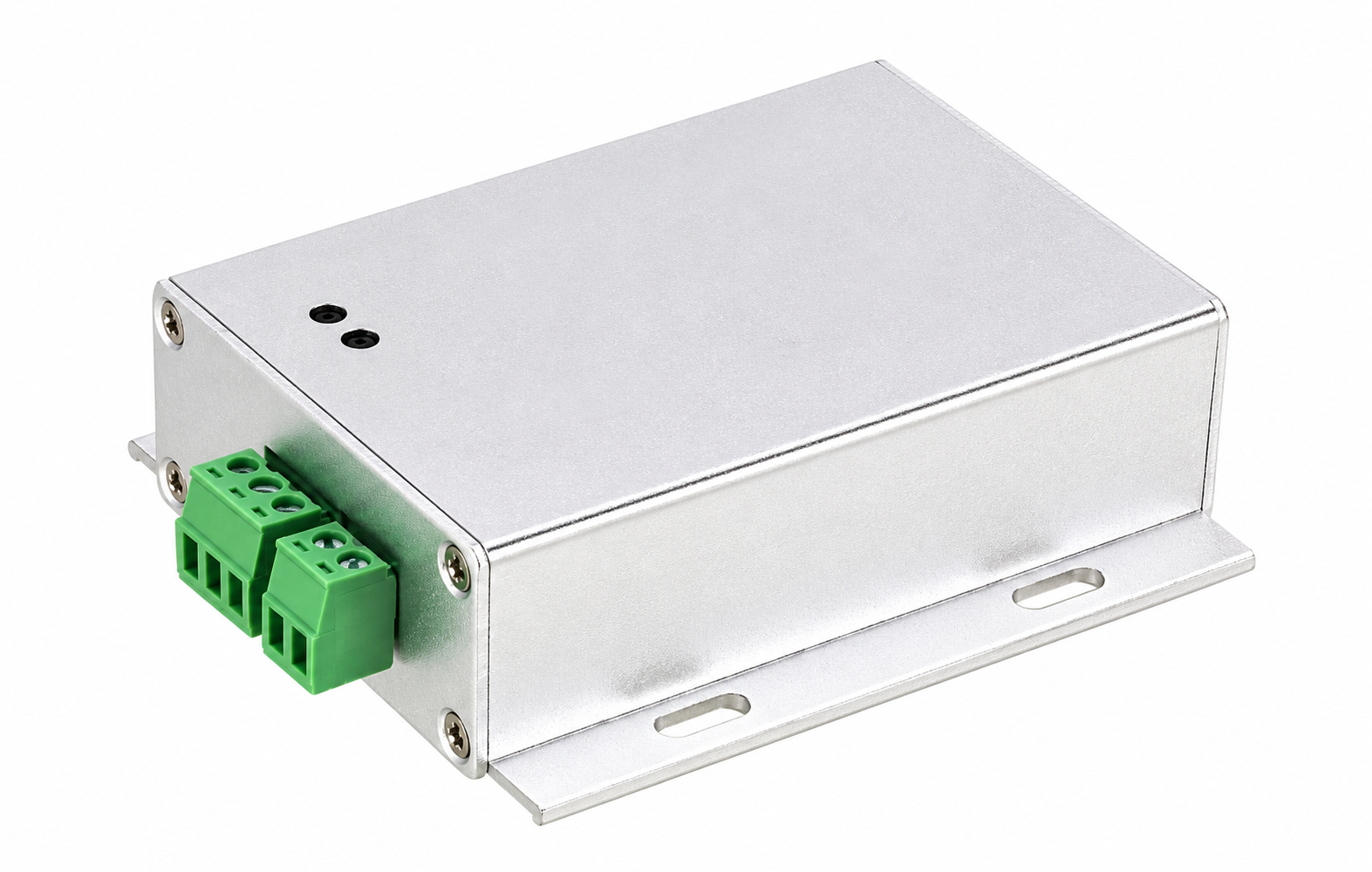
| MT-AMP-DIN ↗ | 0.5–4.0 mV/V target | 0–5V, 0–10V, ±5V, ±10V, 4–20mA | Analog bandwidth 1–5 kHz target | 1 | 35 mm DIN rail / aluminum | FUTEK IAA100 / IAA200 · HBM RM4220 · Burster 9235 | Configure RFQ ↗Email this family |
| MT-AMP-USB ↗ | mV/V range to confirm | USB to PC · CSV logging requirement | Up to 4,800 samples/s target | 1 | USB-C / aluminum | FUTEK USB220 · Mantracourt DSCUSB | Configure RFQ ↗Email this family |
| MT-AMP-SUM ↗ | Matched bridge sensors | Summed mV/V · optional 4–20mA / RS485 | Passive: no sampling rate | 2 / 4 / 6 / 8 → 1 | 304 / 316 stainless · IP67 target | HBM VKK · Rice Lake · AnyLoad J-box | Configure RFQ ↗Email this family |
| MT-AMP-INL ↗ | mV/V range to confirm | 0–5V, 0–10V, 4–20mA or RS485 options | Bandwidth to confirm | 1 | Ø12 × 55 mm tube / IP67 target | FUTEK ICA family · Interface in-line amplifiers | Configure RFQ ↗Email this family |
| MT-AMP-BUS ↗ | Per-channel bridge input | RS485 Modbus RTU / CANopen / EtherCAT options | Rate & synchronization to confirm | 1 / 4 / 8 independent | Industrial DIN rail | HBM ClipX / PMX · Siemens SIWAREX | Configure RFQ ↗Email this family |
Analog bandwidth differs from sample rate. Passive summing has no sample rate. Original equipment references identify a review path; mechanical, electrical, software and calibration equivalence is model-specific.